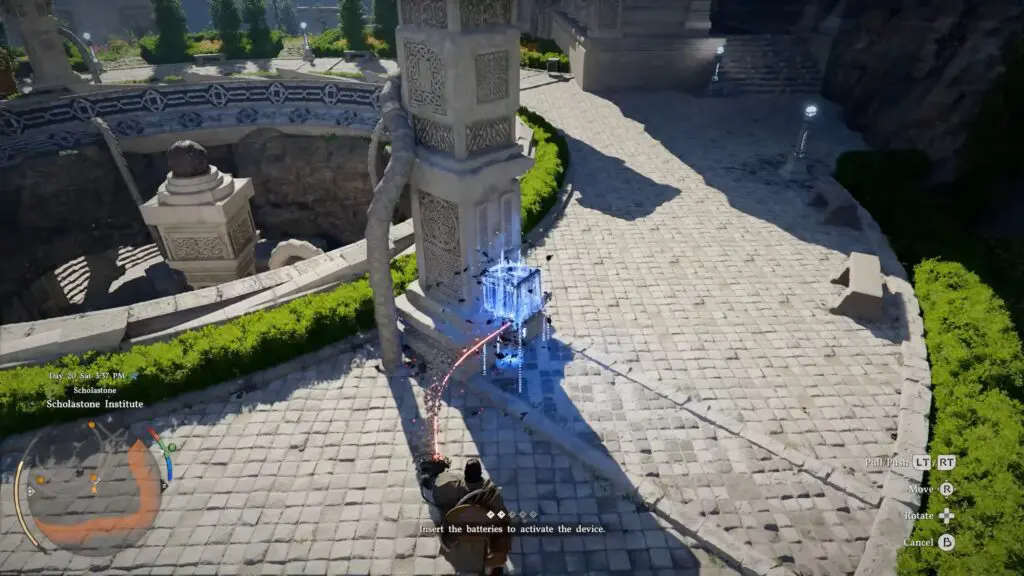
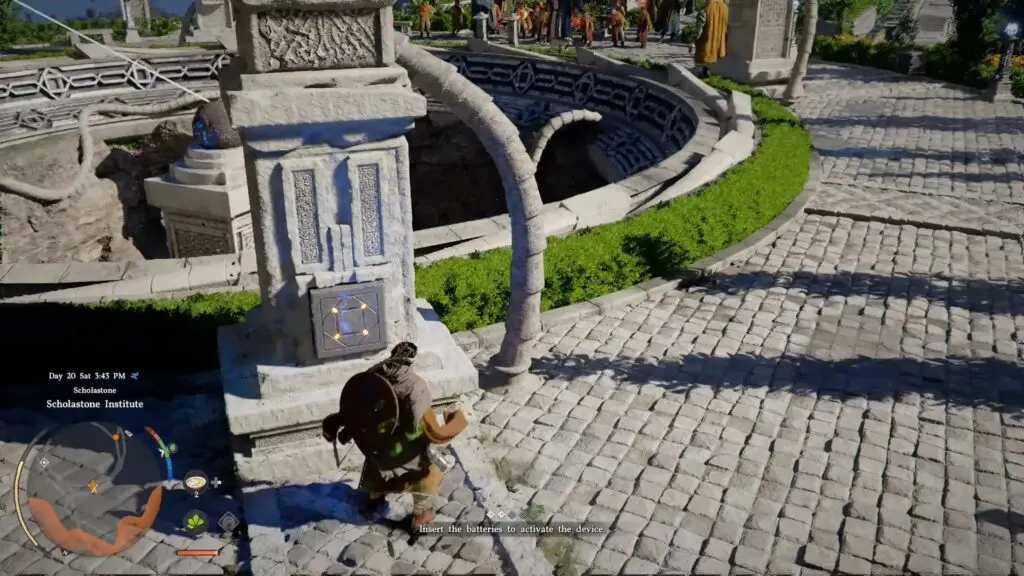
This article will guide the player on how to solve the objective “Activate the Lock Device” to complete the Switch underground Puzzle in the quest Gate to the Otherworld in Crimson Desert.
Activating the Lock Device
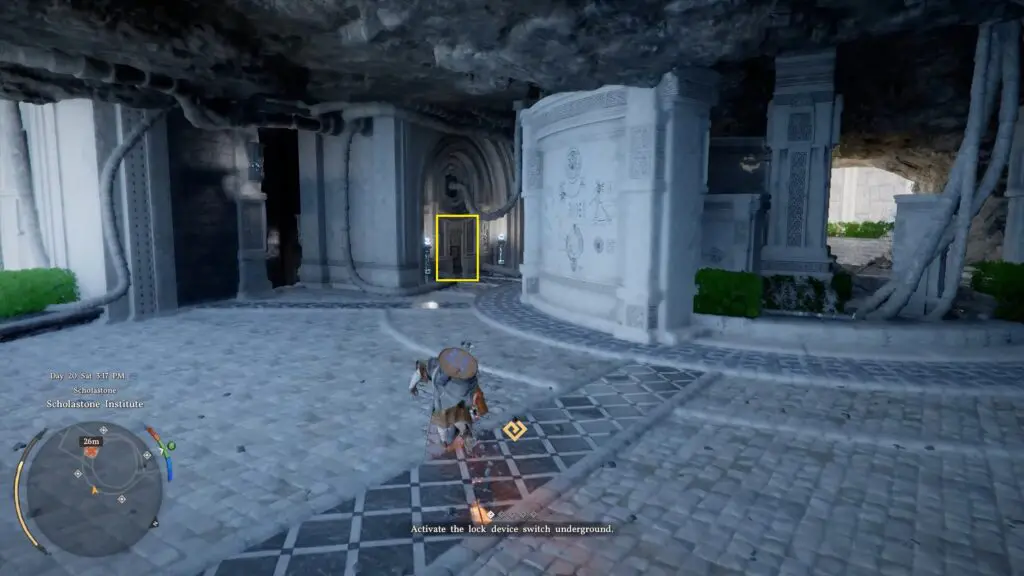
At the bottom, you will find a hatch that looks like a wall panel between two lanterns. Interact with it to begin a button puzzle.
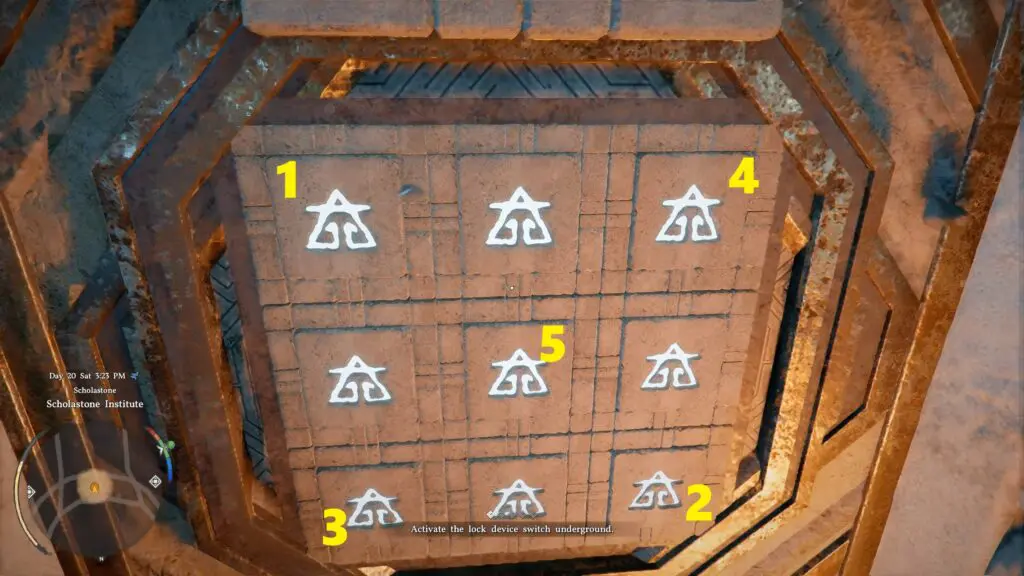
The solution to the puzzle is to press all four corner buttons first, then press the center button. Refer to the image below. This will light up all the buttons on the hatch.
After solving it, interact with the panel again to pull the handle. This will trigger a cutscene where the machine powers up.
Returning to the Plaza
Head back upstairs to the spherical structure. You will now see four pillars arranged around a central device, each with a slot for a battery. There are 4 batteries placed nearby. To power the device, you need to place all four batteries into the pillars.
Inserting the Batteries
- Use Axiom Force to pick up a battery and move it in front of a pillar socket.
- Release it so it floats near the socket, then use Force Palm to push it into the pillar.
Once a battery is inserted correctly, the structure will emit a beam of energy toward the central device.