Changing the time of day in Assassin’s Creed Black Flag Resynced is a useful feature, especially if you’re trying to complete a challenge or explore an area during daylight or at night. While you can switch between day and night whenever you want, there are a few requirements you need to meet first.
How to Skip Time
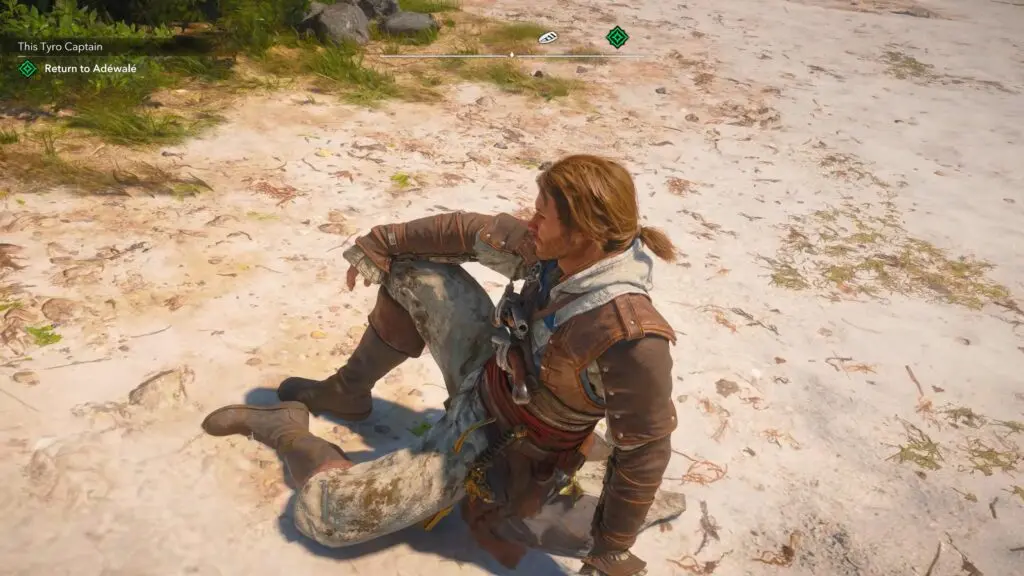
To change the time of day, find a flat piece of land where Edward can sit down.
- PC: Press and hold the X key (the same key used to whistle).
- Controller: Press and hold the Right D-pad button.
If you’re standing in the right location, Edward will sit down, and a short cutscene will play. Once it ends, the game will switch to the opposite time of day. If it’s currently daytime, it will become nighttime, and vice versa.
Why You Can’t Skip Time
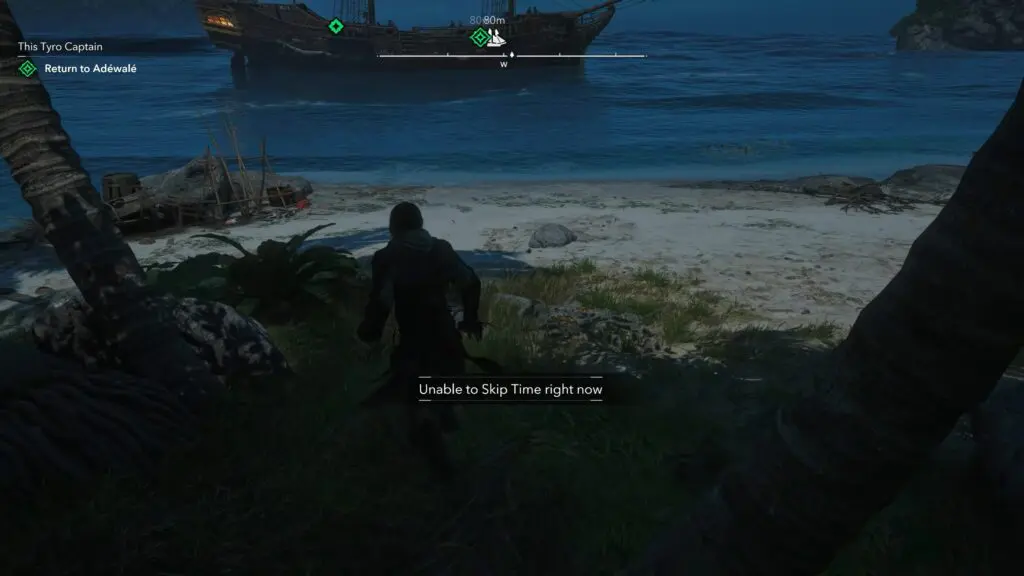
If you see the message “Unable to skip time right now,” you’re not standing in a valid location. The most common reason is that the ground isn’t flat enough. Even areas that look level, such as beaches or forest paths, may not work. Try moving around until you find a smooth, open patch of ground where the sit animation can trigger.
Tips
- Look for large, flat areas with no obstacles nearby.
- Hold the button until Edward sits down. Simply tapping the button won’t work.
- If nothing happens, move to another nearby spot and try again.
That’s all you need to do. Once you’ve found a suitable location, you can switch between day and night whenever you need, making exploration and certain activities much more convenient.