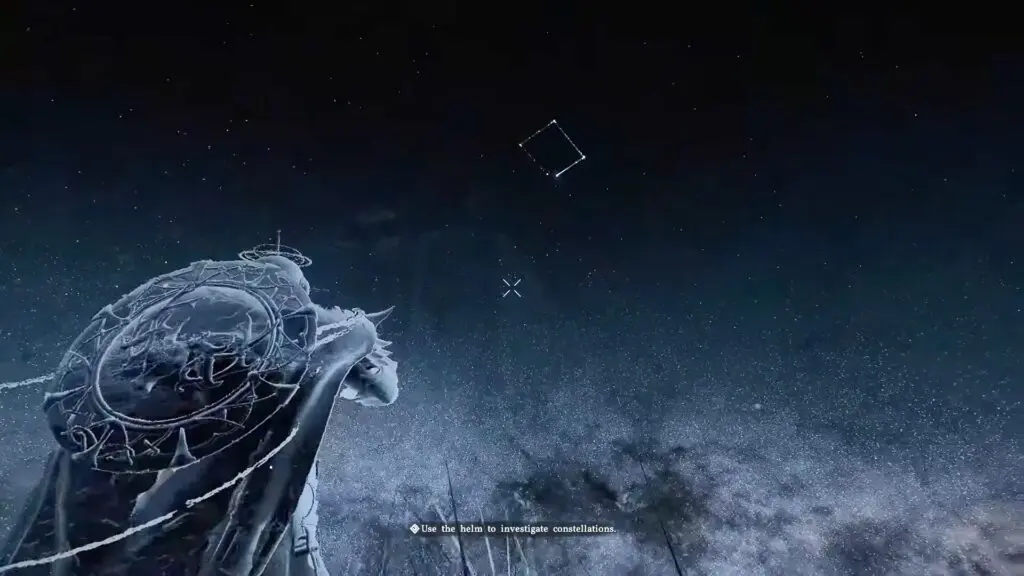
If you’re stuck trying to examine the constellations for the “Troll Studying Steles” quest at the Scholar Stone Institute, you’re not alone. The game offers minimal guidance on what to do, which can be confusing at first.
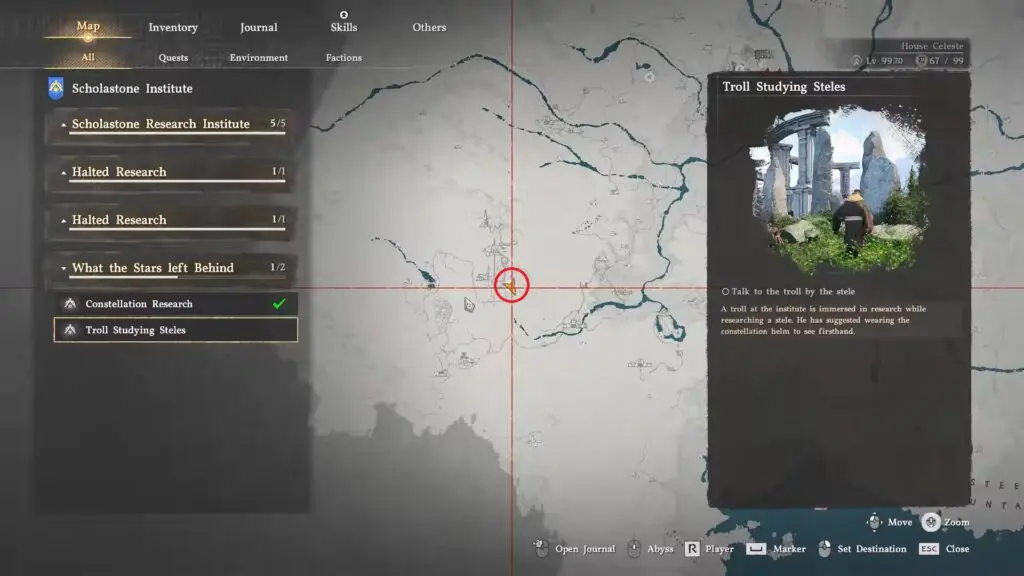
Crimson Desert: How to Examine the Constellations (Easy Guide)
Here’s a simple, clear guide to help you complete the objective in Crimson Desert.
Step 1: Equip the Constellation Helm
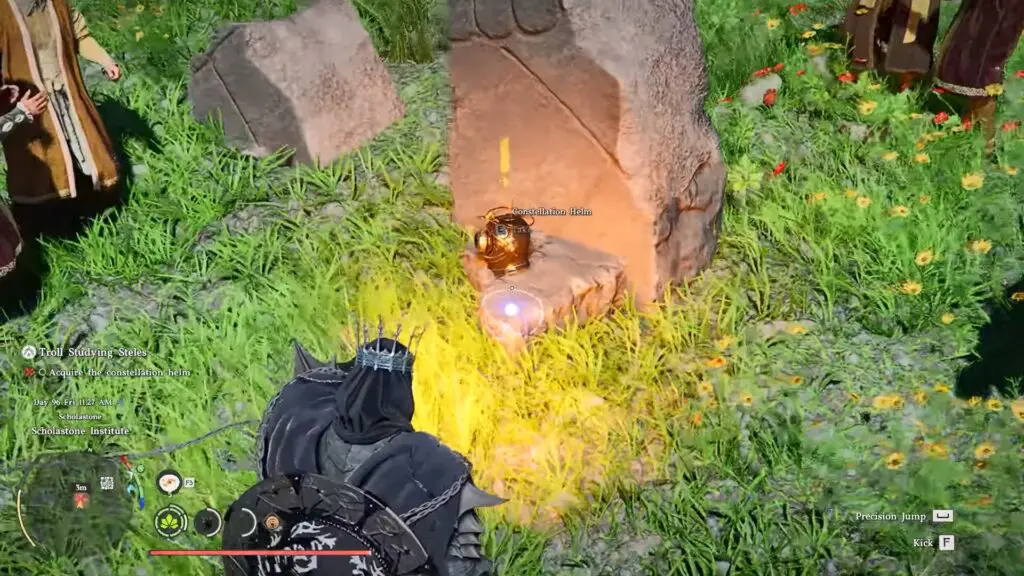
You’ll find a strange-looking helmet on the ground called the Constellation Helm. Pick it up and equip it. Open your gear menu and put the Constellation helm on your character.
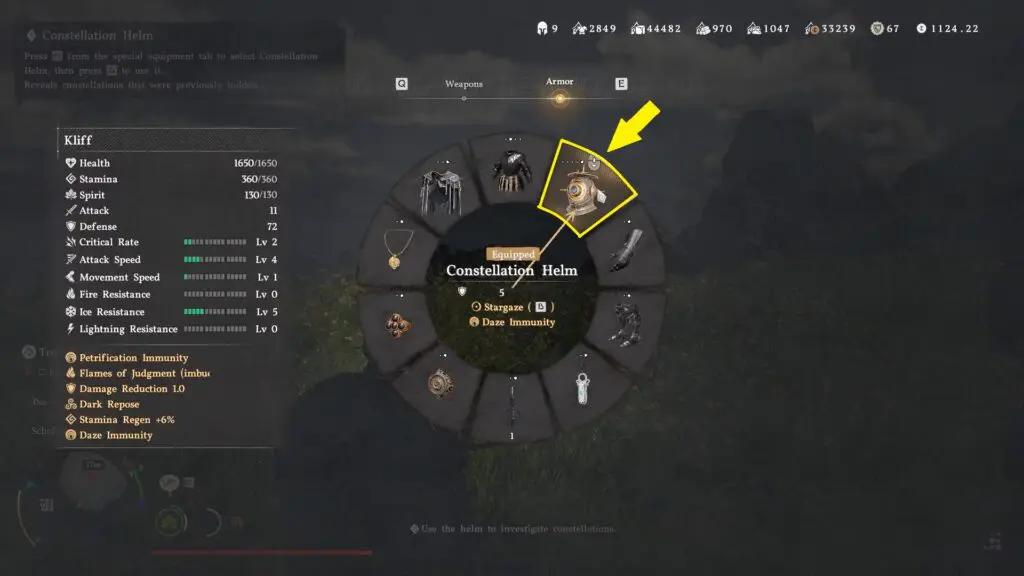
Step 2: Activate the Helm Ability
You cannot use the Constellation helm directly like a normal item. Instead:
- Open the radial wheel menu (same one used for food or consumables)
- Rotate the wheel and select the Constellation Helm.
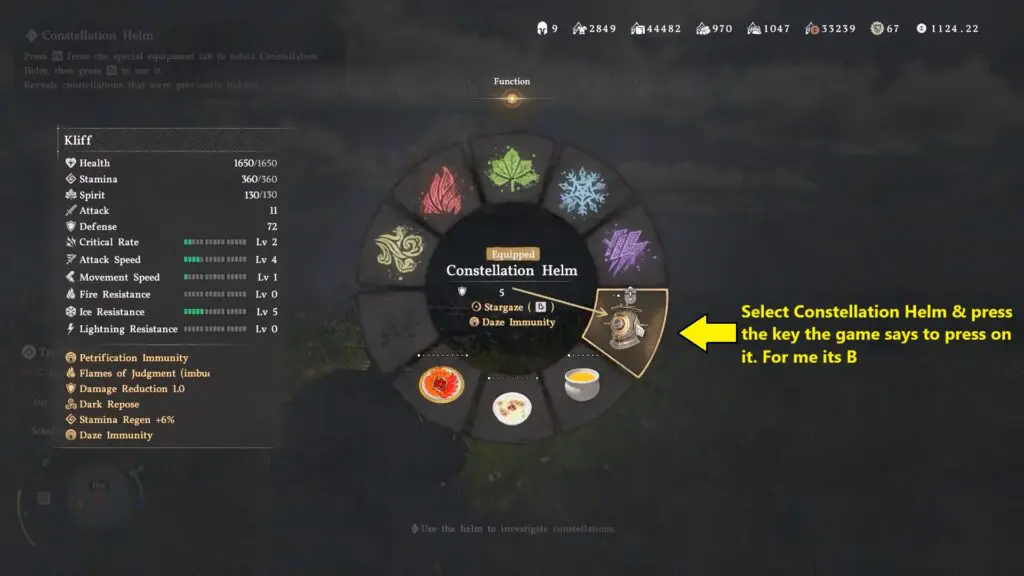
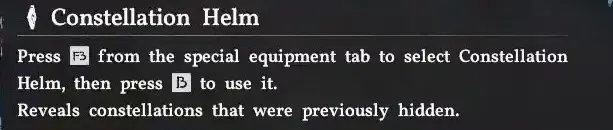
- Once selected, press the assigned key (shown on screen) to activate it.
Step 3: Find the Correct Position
Once you activate the helm, the world enters into a stunning “Constellation Mode.” You’ll see glowing dots in the sky, but simply looking at them isn’t enough. You need to be standing in the exact right spot for the alignment to trigger.
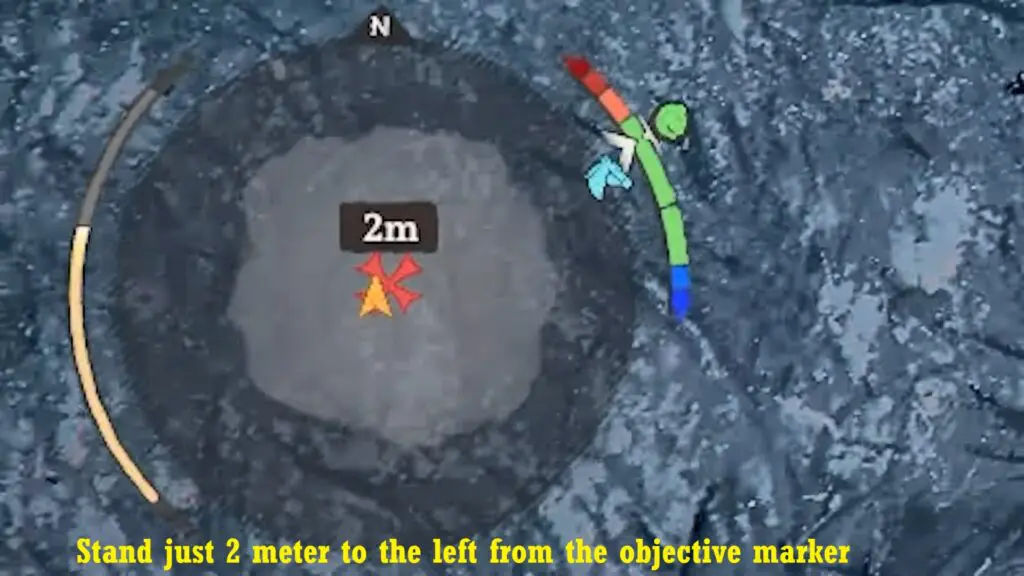
Note: Open your mini-map, face north. Position yourself about 2 meters to the left of the “X marks the spot” on your mini-map. Align yourself so you are facing the road near the north indicator.
Step 4: Examine the Constellations
Look up at the sky and find the faint glowing dots. Hold the examine button, and do nothing else. Just keep staring at it. The constellations will slowly change and align as you maintain your gaze.