In Crimson Desert, changing the time of day can make exploration easier. Whether you want to travel during the day or move under the cover of night, knowing how to skip time is very useful. This guide explains how to change the time of day and make the most of it.
Resting at campfires or cooking pots
First, walk up to a campfire or a cooking pot. Stand close to it and aim at it using L1 or LB on your controller. When you do this, you will see a “WAIT” option appear on the screen.
Now press the button to interact. The game will give you a few choices for how long you want to rest. You can pick 3 hours, 6 hours, or 12 hours to easily switch between day and night.
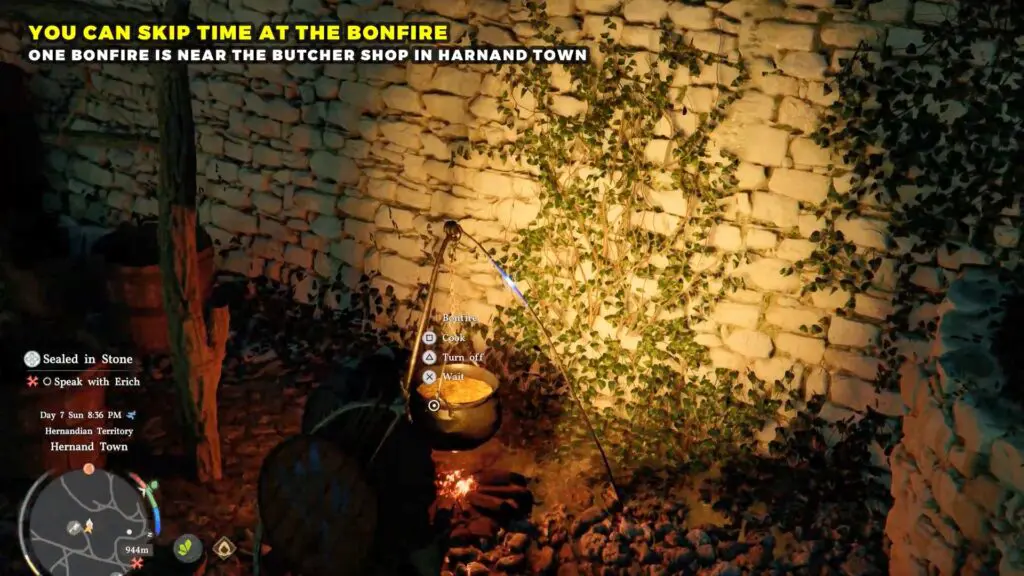
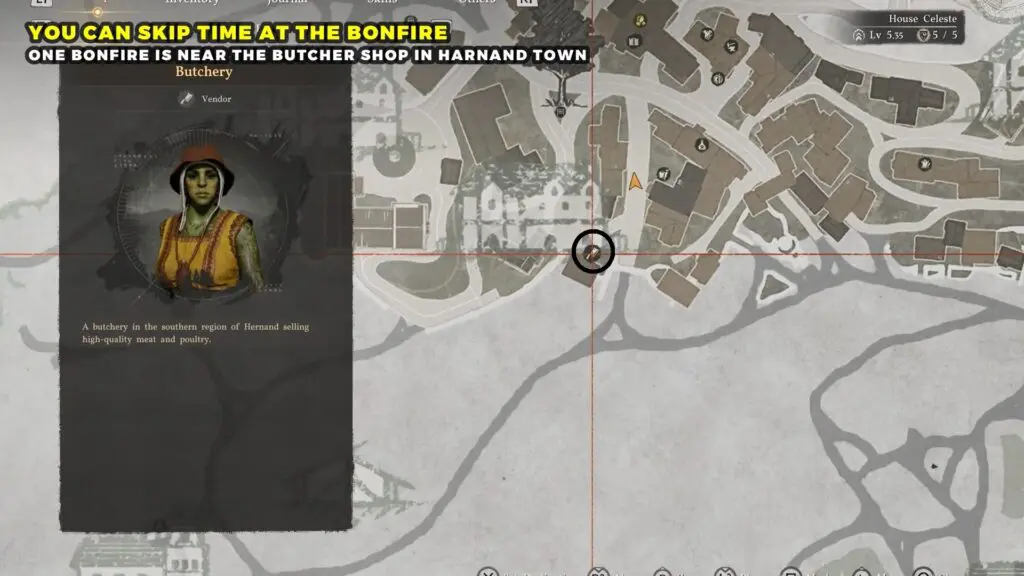
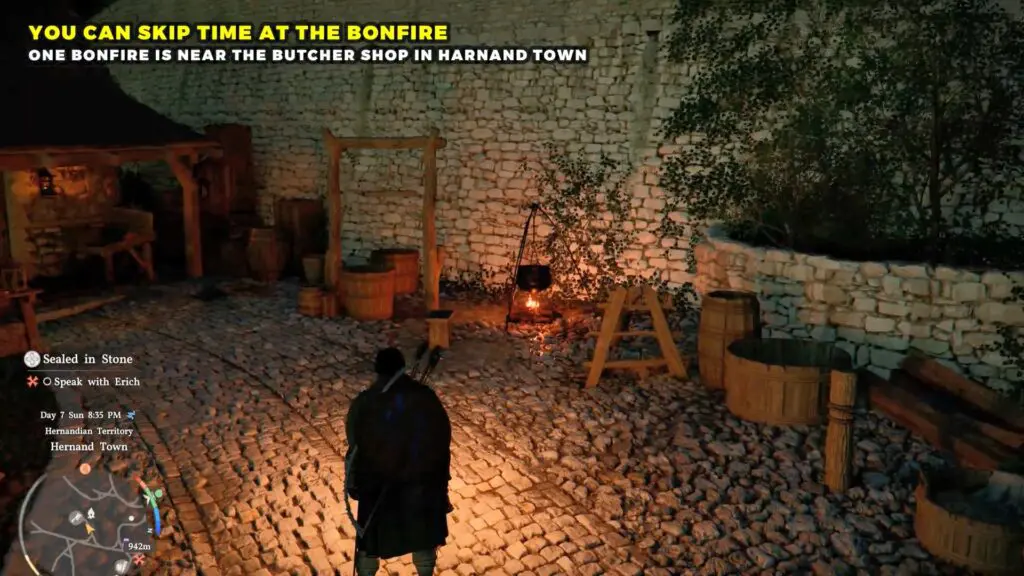
For example, early in the game, if you want to rest, you can find a cooking pot in Hernand Town, just to the right of the meat vendor.