Looking for all collectibles in the Knight at the Museum (Firefly) mission in LEGO Batman: Legacy of the Dark Knight? This guide will help you find every Spaceship, Waynetech Caches, and Red Brick with clear step-by-step directions.
Waynetech Cache 1
At the start of the mission, head to the left side and grapple up to the floor above you.
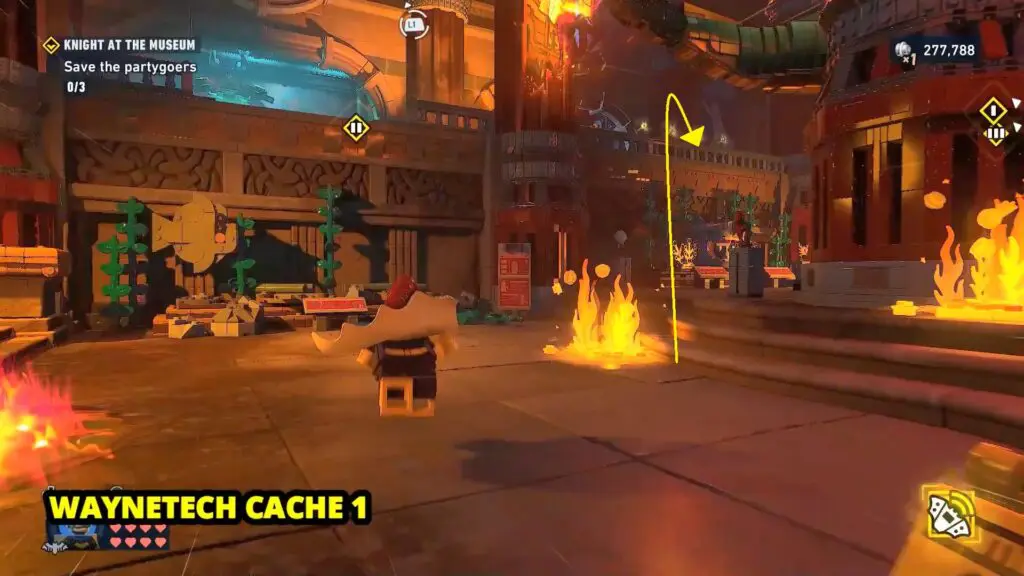
From there, use the Batclaw on the hook to release water from the pipe, which will put out the fire below and reveal the Waynetech Cache.
Spaceship 1
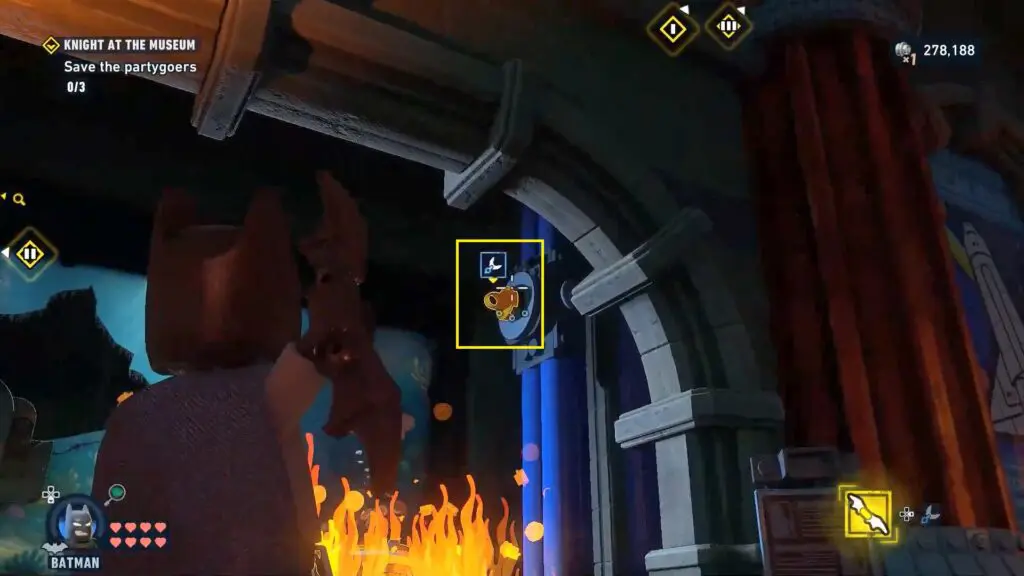
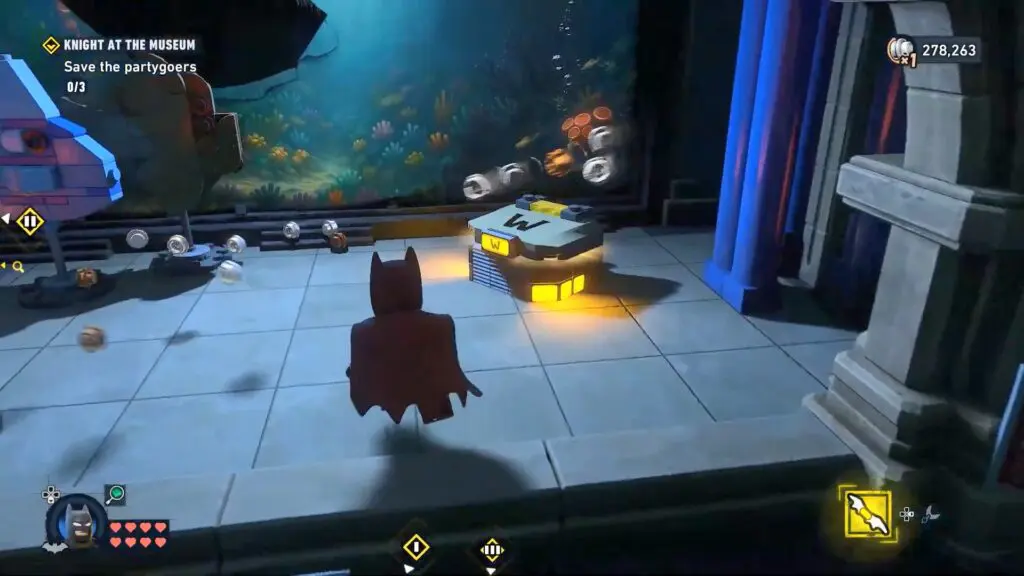
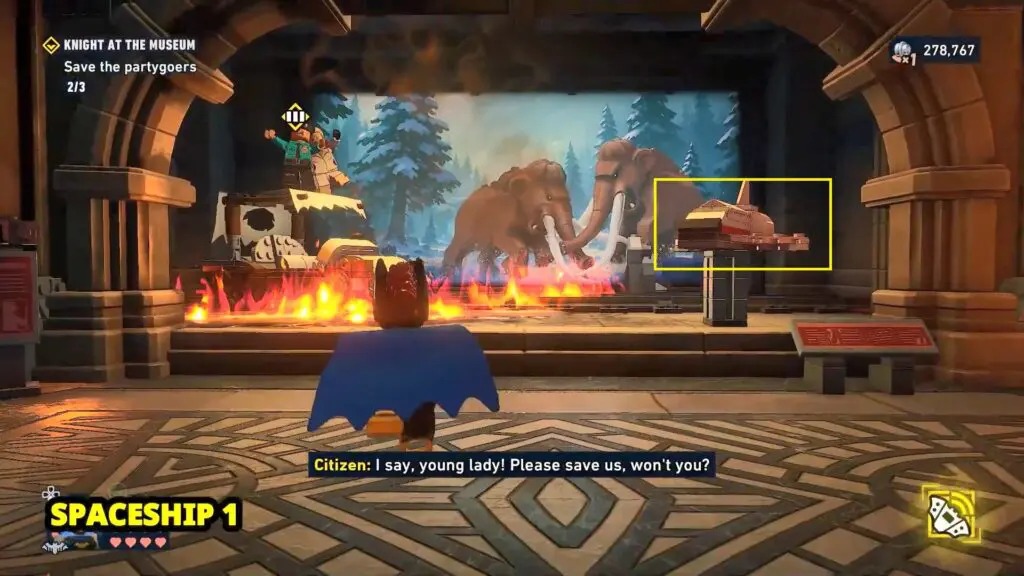
It is in the room where you have to save 3 guests. The spaceship is located just to the right of the trapped guest.
Waynetech Cache 2
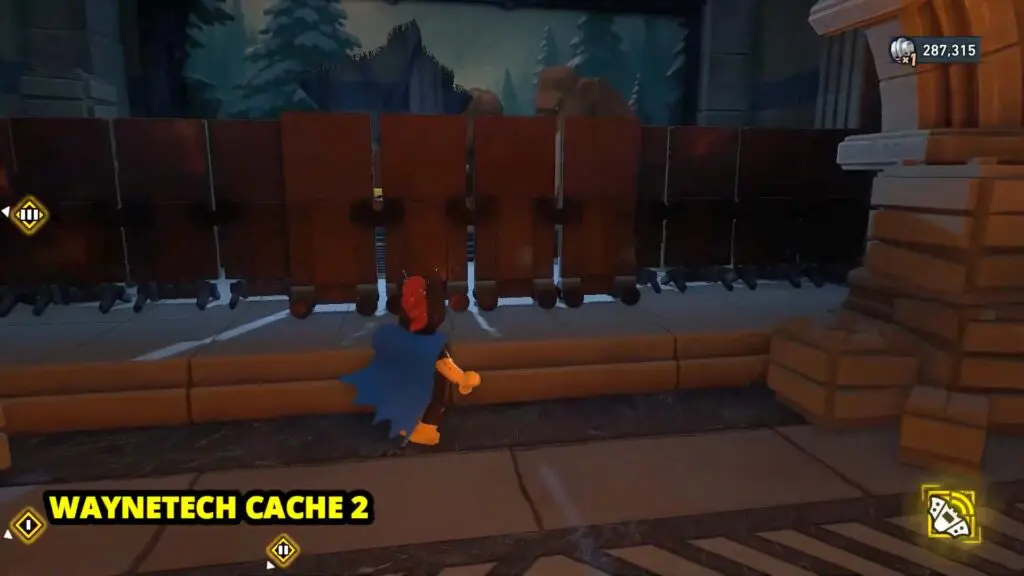
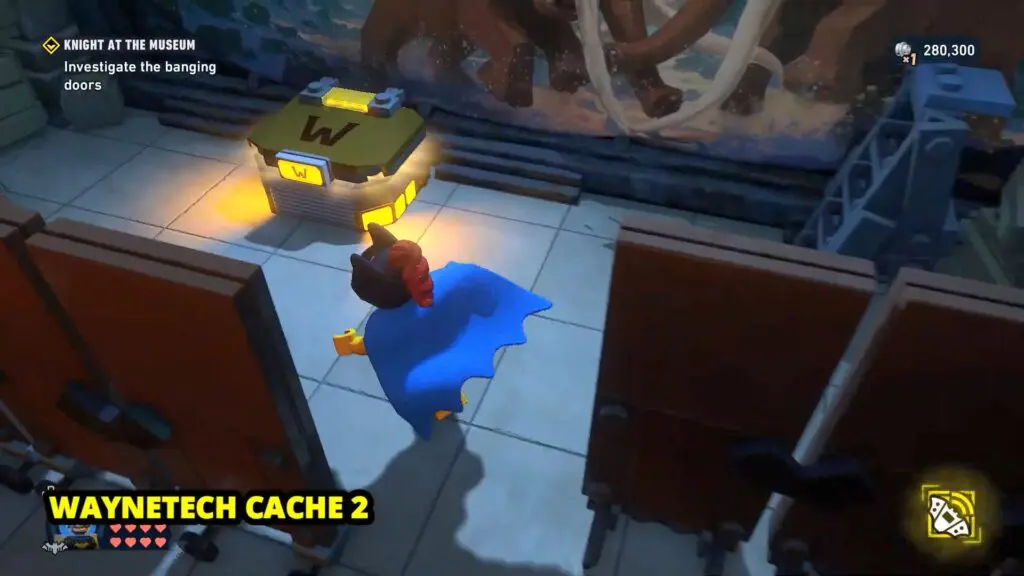
Go to the next display room on the right side of Spaceship #1. Push the boards blocking the view to find WayneTech Cache #2.
Waynetech Cache 3
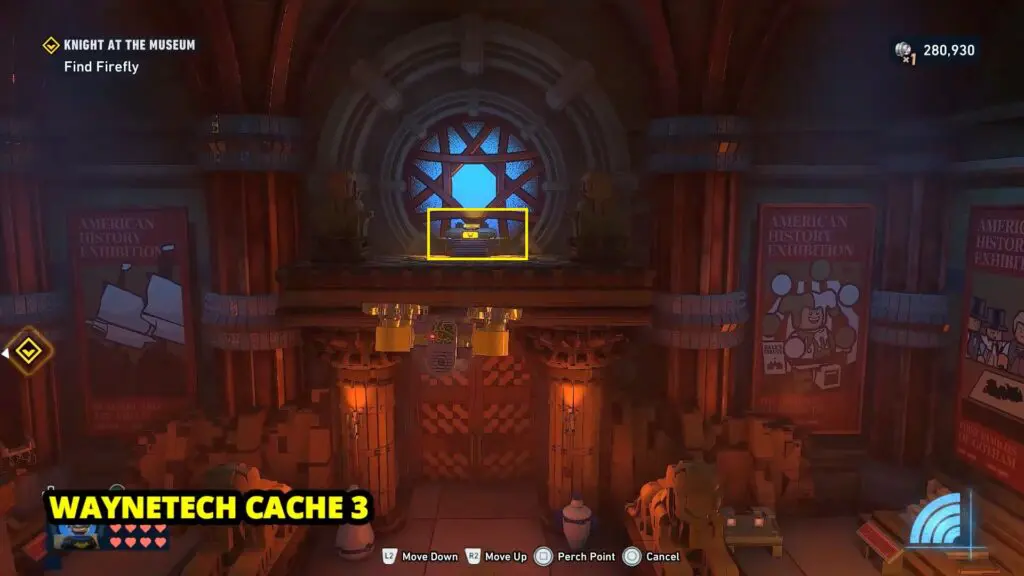
Waynetech Cache is in the room where you learn to use and grapple with the Drone. Fly the drone to the right to find the Waynetech Cache on a ledge above the door.
Waynetech Cache 4
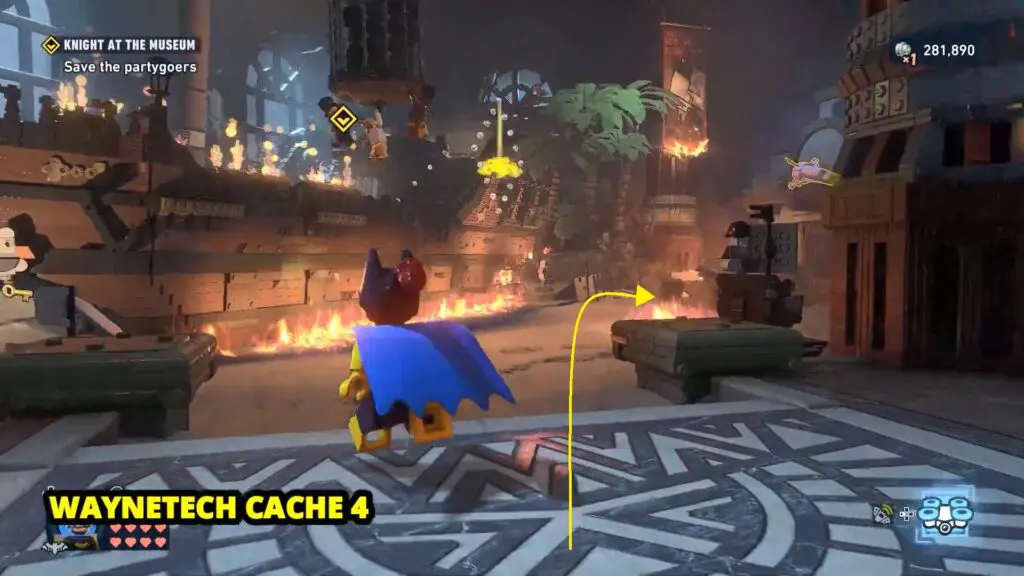
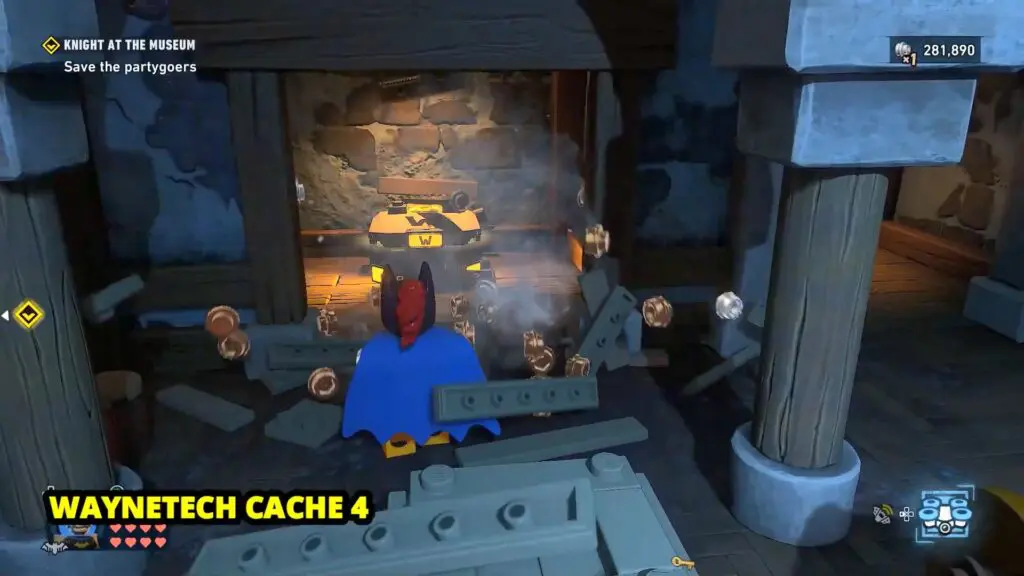
Progress through the mission until you reach the area where three partygoers are hanging from a cage. From there, turn right and look behind the crates to find the cache.
Spaceship 2
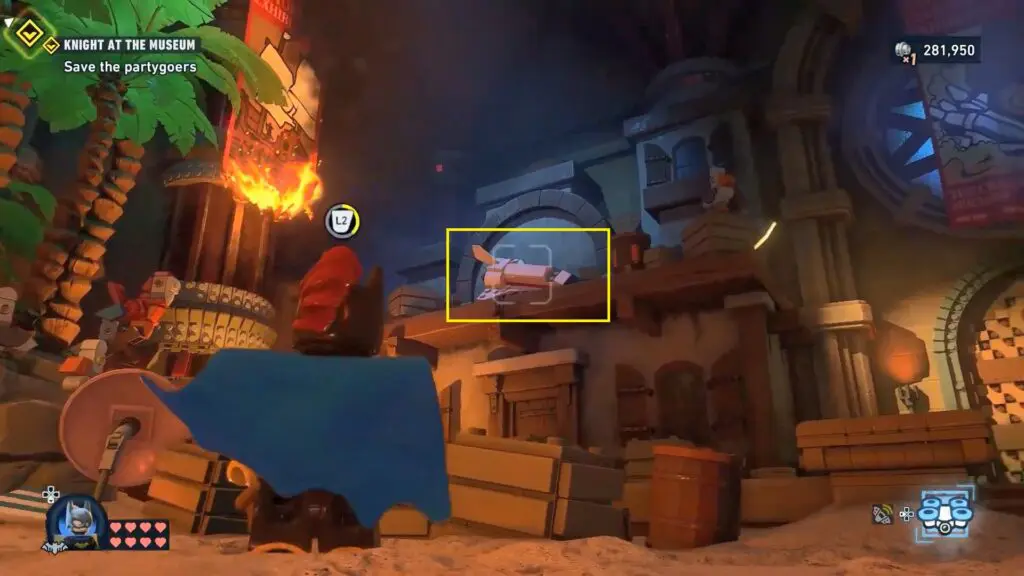
This Spaceship is found behind the area where three partygoers are hanging from a cage. Head around the back and look for the burning ship poster nearby, and you will find the Spaceship right there.
Spaceship 3
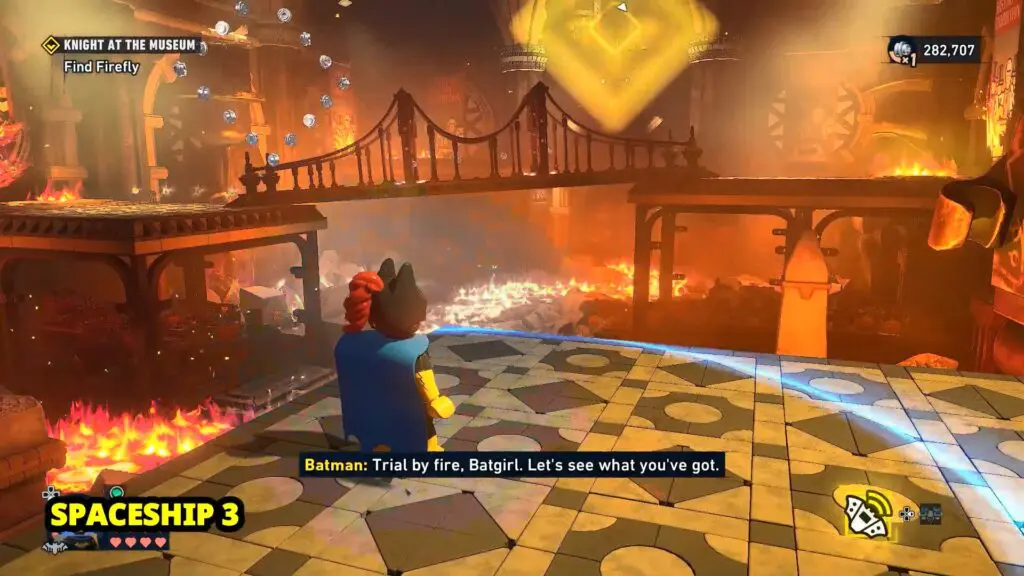
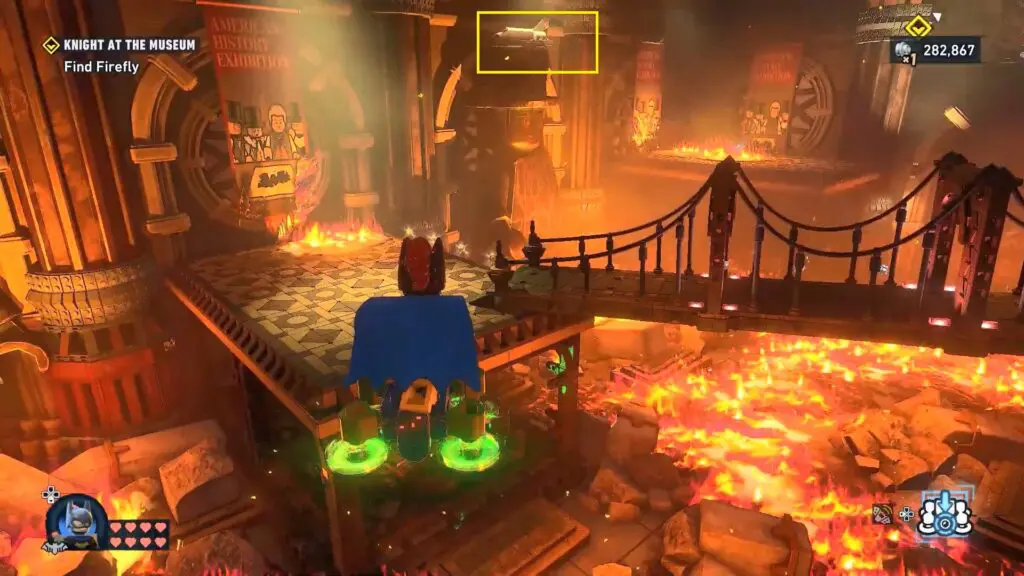
Progress to reach the room with the burning floor and bridge, use your drone to spot the spacecraft on top of the statue’s head on the left side.
Spaceship 4
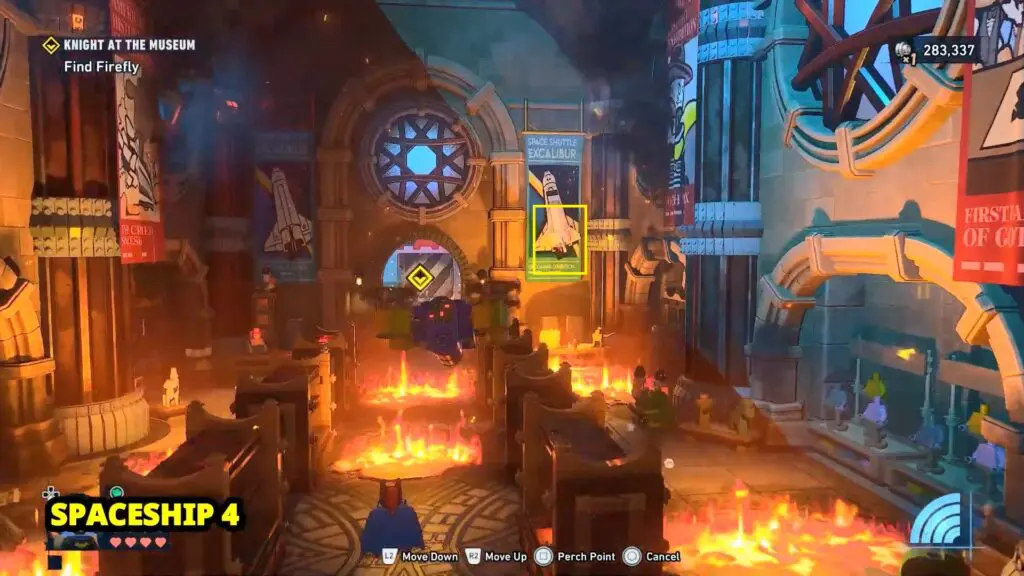
Head into the hallway with the bookcases and look to the right side. The spaceship is sitting on top of the spaceship poster on the wall up there.
Waynetech Cache 5
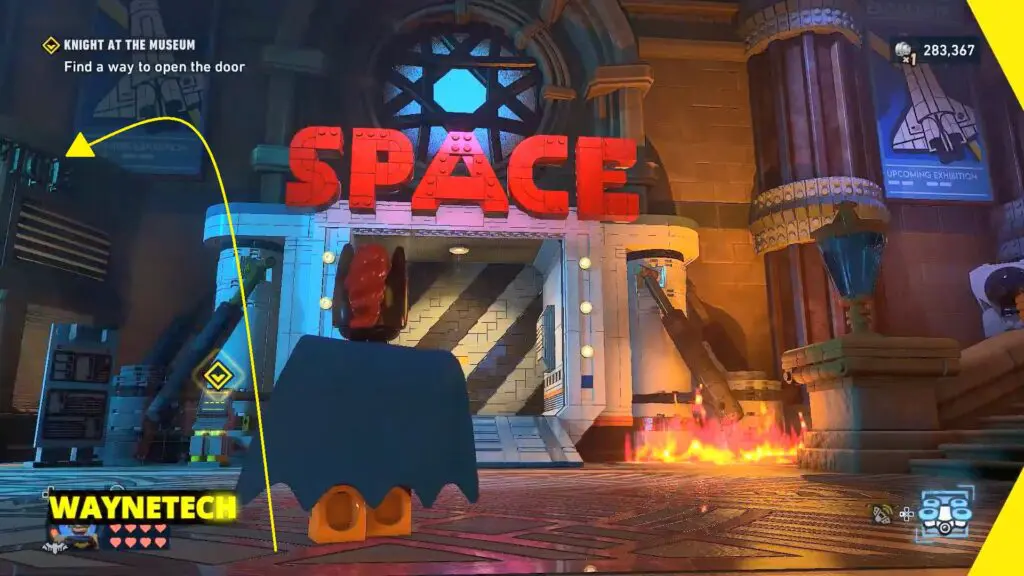
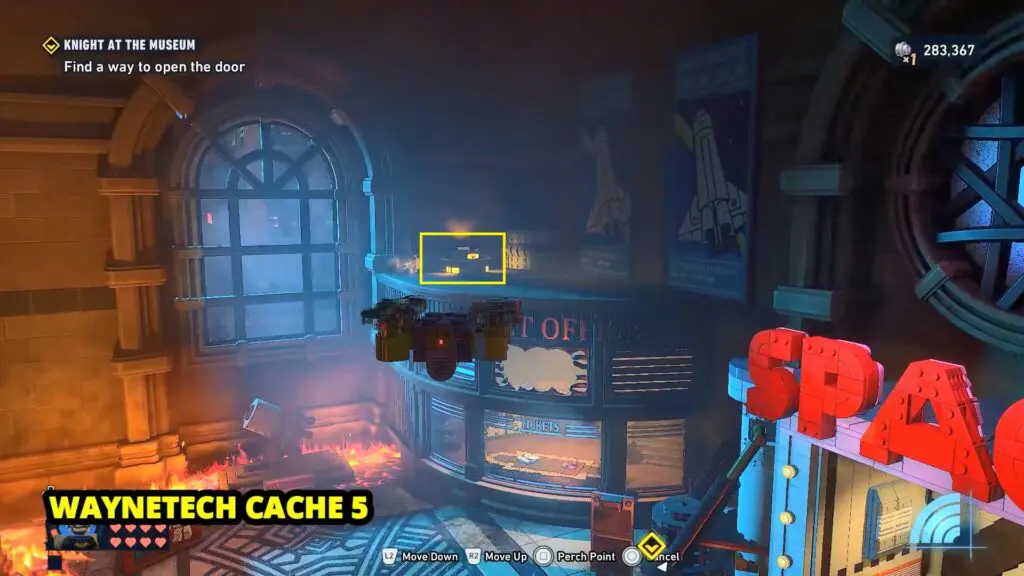
When you reach the SPACE door, use your Drone to land on top of the ticket building on the left. The Waynetech Cache is waiting for you up there.
Red Brick
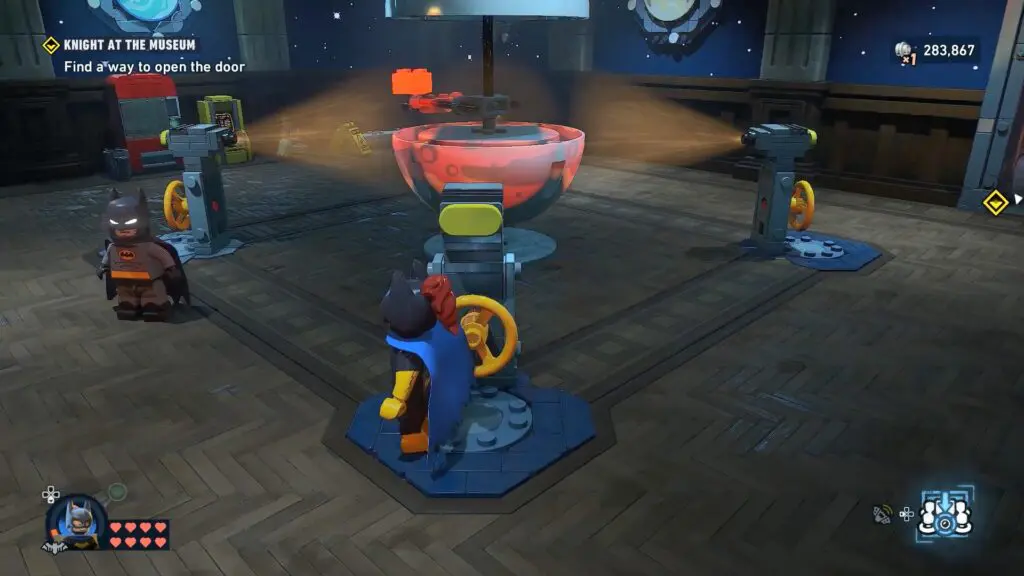
When you reach the SPACE door, go through the door on your right. You will find a room with a globe in the middle. Interact with all the lights shining on the globe and set them to display the red planet.
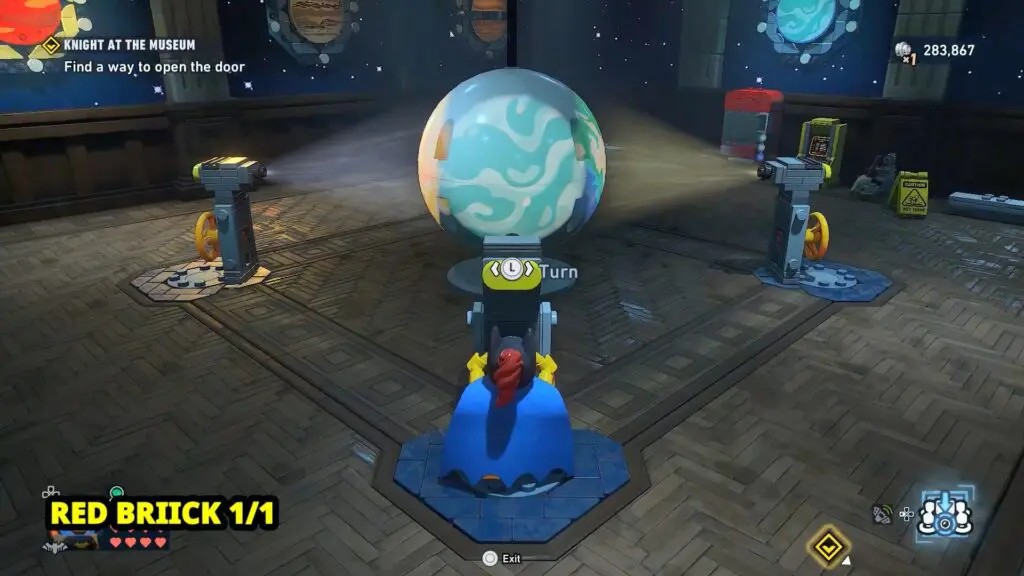
Once all the lights are adjusted correctly, the Red Brick will be revealed.
Spaceship 5
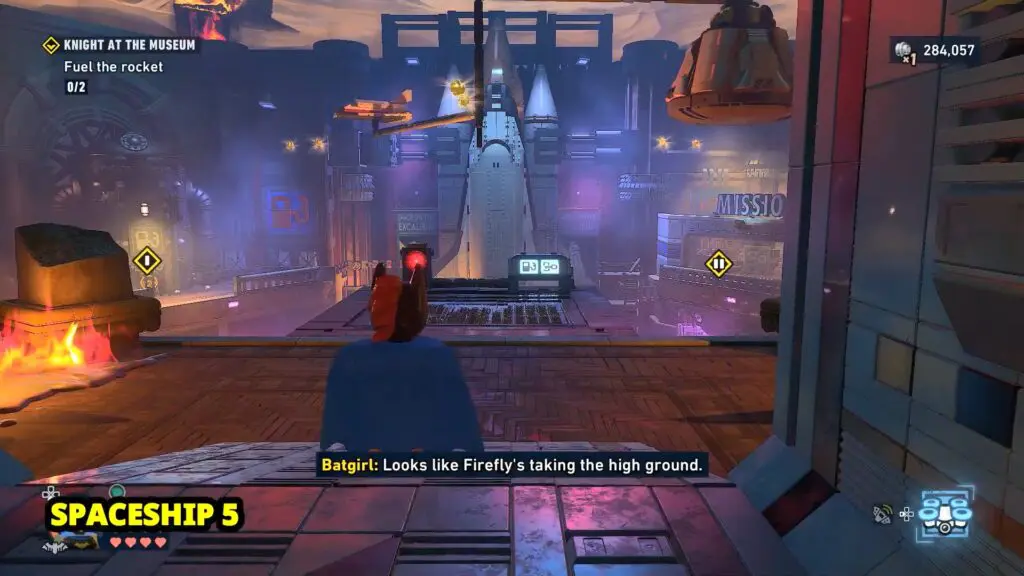
After you enter the terminal code, head into the next room and look up. You will find the Spaceship flying around in circles above you.