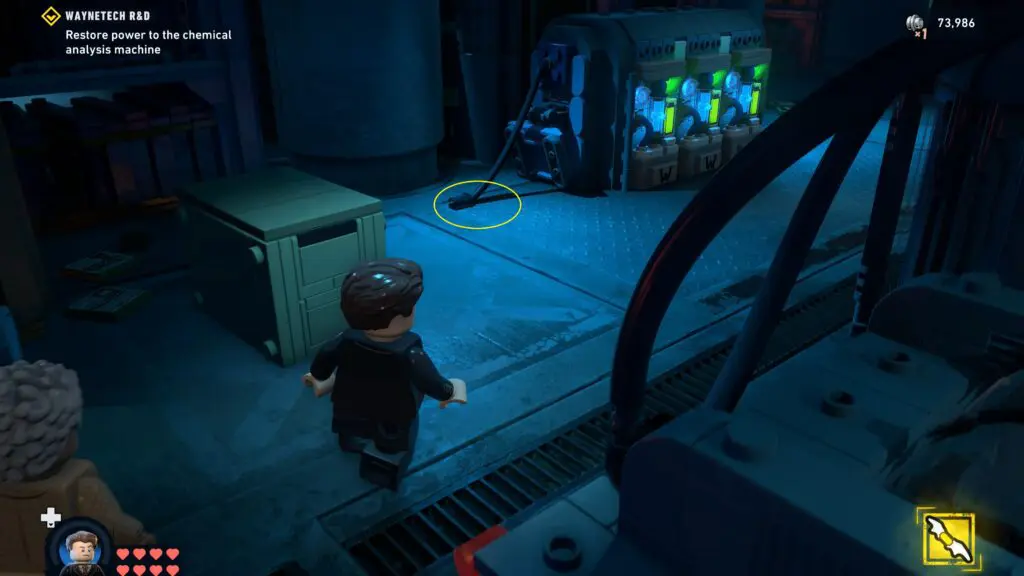
If you’ve reached the Waynetech R&D area in Lego Batman: Legacy of the Dark Knight, you’ve probably already come across the generator that needs power cells to get it running. This guide will walk you through where to find the power cells, how to move them, and exactly how to plug them into the generator.
How to Plug Power Cells into the Generator at Wayntech R&D in LEGO Batman
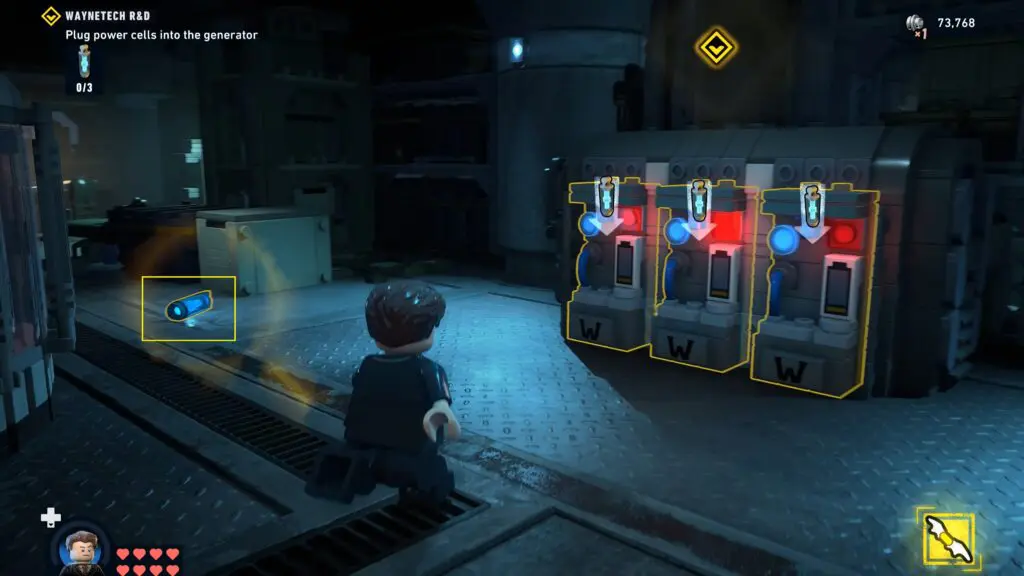
To power the generator, you need to find 3 power cells and place them inside the generator. The first power cell is easy to find. It’s lying on the floor just to the left of the generator. Pick it up and place it into the generator.
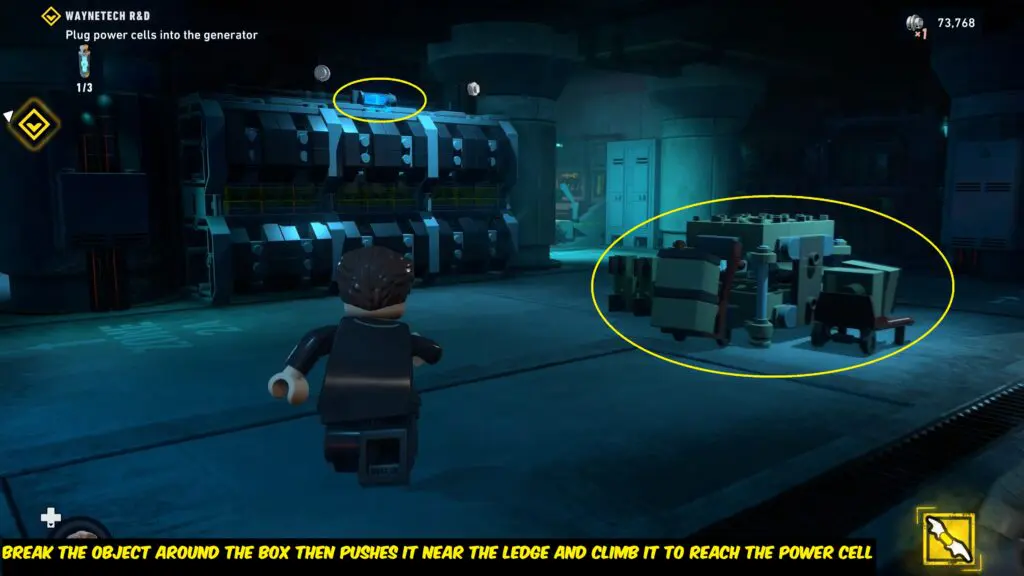
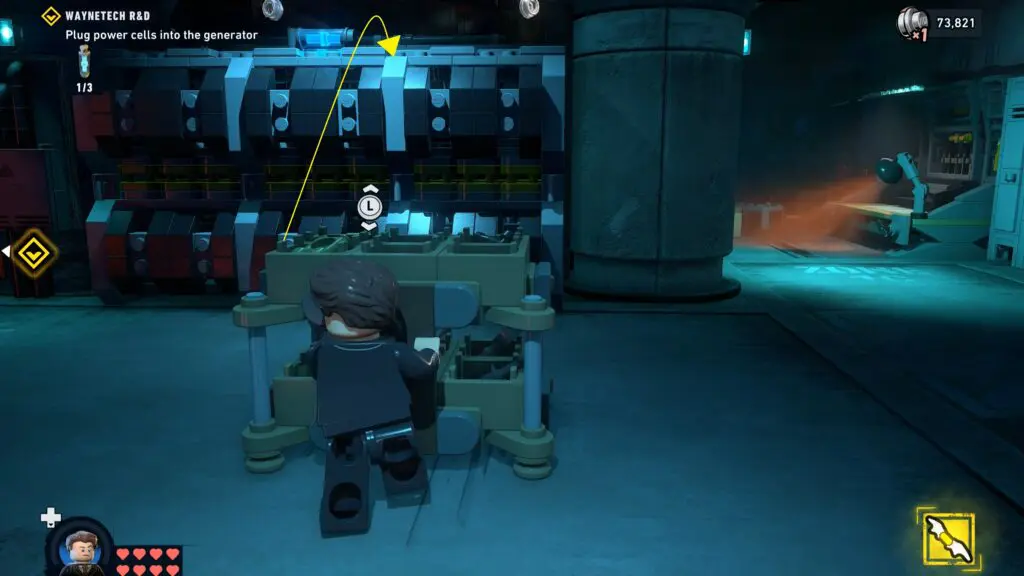
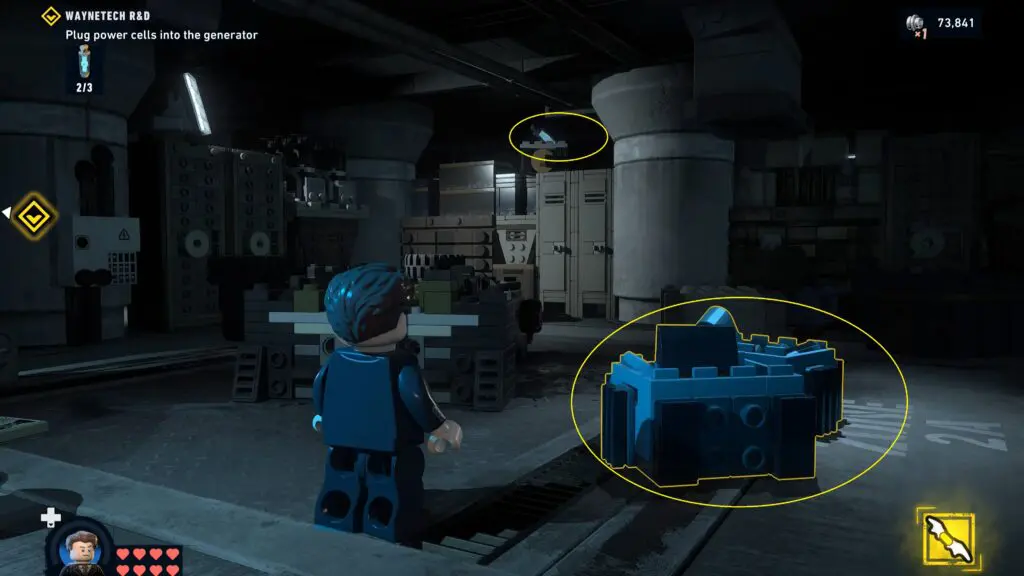
For the second power cell, look up at the wall/ledge to the left of the generator. You will find a power cell sitting on a high ledge. To reach it, break the objects around the box in the middle of the room, then push the trolley into position near the ledge, so you can climb up and grab the power cell.
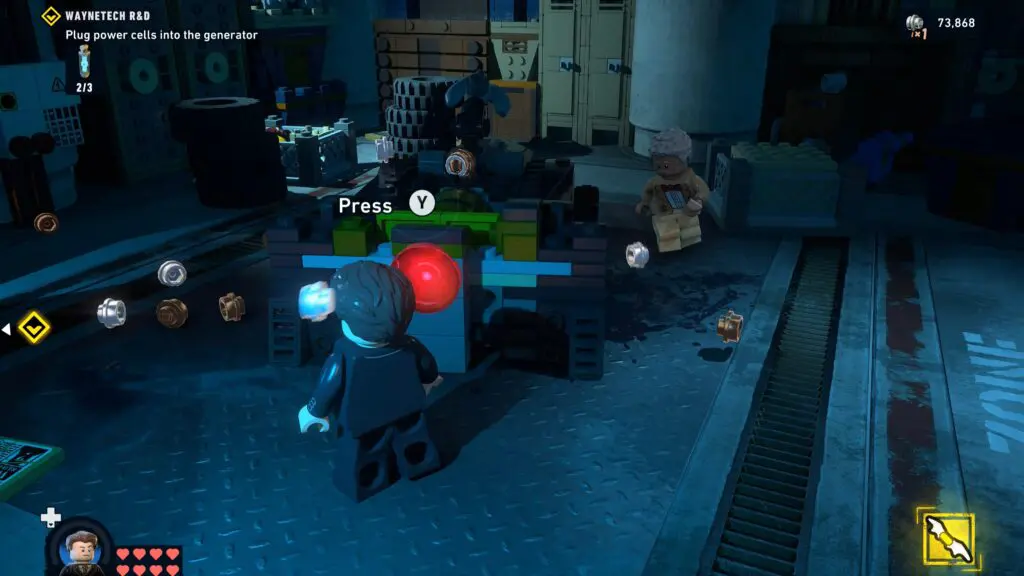
The third power cell is in the small side room behind the generator. Go inside and break the two crates on the floor. Use the pieces to build a grapple hook, then press the red button to fire it. This will pull down the power cell from above.
Once you’ve collected all 3 power cells and placed them into the generator, a power cable will drop from the side. Pick up the cable and connect it to the back of the scanner machine to turn it on.